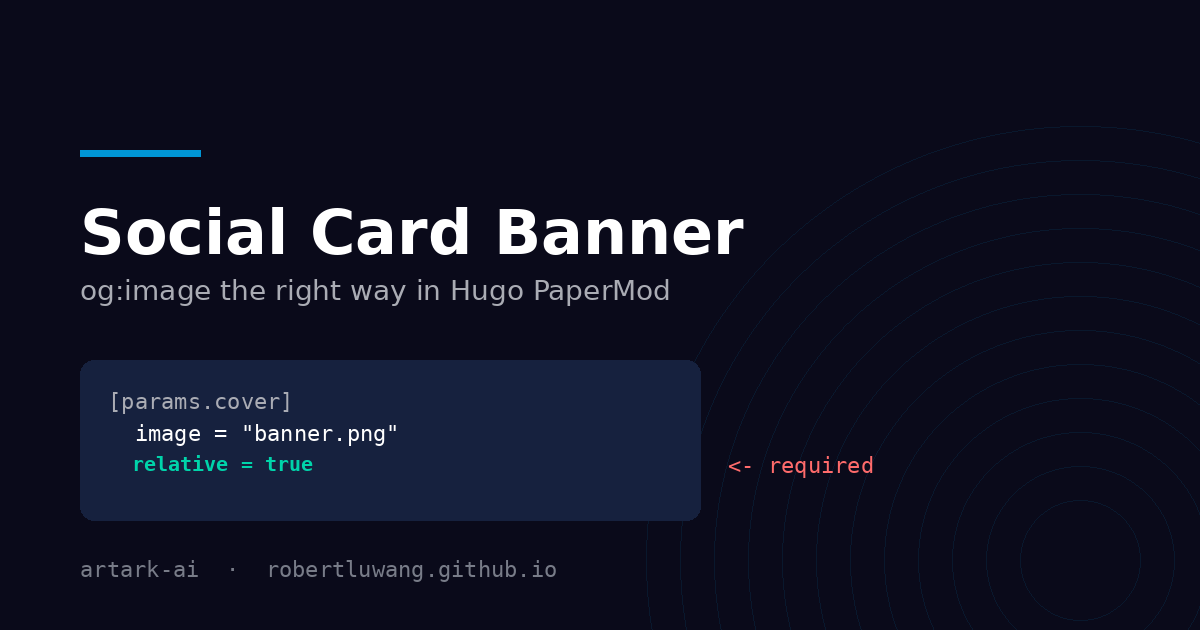
You share a post link on X or LinkedIn and the card comes up as a bare title with no banner. The image is right there on the page, so the obvious guess is that the crawler cannot find it. That guess sends most people down the wrong path.
The tags the crawler actually reads
Social platforms never look at the images in your page body. They read two meta tags in <head>:
<meta property="og:image" content="...">
<meta name="twitter:image" content="...">
og:image is Open Graph, read by LinkedIn, Slack, Discord, WhatsApp and iMessage. twitter:image is X’s own tag; X prefers it and falls back to og:image. Both must be absolute URLs that return HTTP 200 to an anonymous request.
So the first thing to do is not to edit your front matter — it is to look at what your site actually emits:
curl -s https://yourname.github.io/your-repo/posts/your-post/ \
  | grep -oE '<meta (property="og:image"|name="twitter:image")[^>]*>'
Then confirm the URL you find is real:
curl -s -o /dev/null -w "%{http_code}\n" <that-url>
If that prints 404, you have found your bug, and no amount of cache-busting will fix it.
Where PaperMod trips you up
PaperMod builds og:image from your cover config, and the relative flag decides how the path is resolved:
{{- if .Params.cover.image -}}
  {{- if (ne .Params.cover.relative true) }}
    <meta property="og:image" content="{{ .Params.cover.image | absURL }}">
  {{- else}}
    <meta property="og:image" content="{{ (path.Join .RelPermalink .Params.cover.image) | absURL }}">
  {{- end}}
{{- end }}
With a page bundle — content/posts/my-post/index.md sitting next to banner.png — omitting relative or setting it to false resolves banner.png against the site root:
https://yourname.github.io/your-repo/banner.png ← 404
The page still looks perfect in a browser, because the visible cover is rendered by a different partial that resolves the image from the page bundle and ignores relative entirely. Only the crawler sees the broken URL.
Setting relative = true joins the image to the page’s own permalink:
https://yourname.github.io/your-repo/posts/my-post/banner.png ← 200
So for a page bundle, this is the whole fix:
[params.cover]
  image = "banner.png"
  alt = "My post title"
  relative = true
Why hardcoding the full URL does not help
The tempting workaround is to paste an absolute URL into a top-level images parameter:
images = ["https://yourname.github.io/your-repo/posts/my-post/banner.png"]
PaperMod ignores it whenever cover.image is set. Look at the template again — images is only read in the else branch, as a fallback for pages with no cover. With a cover present that line is dead config, and you are left debugging a tag that never changed. Even where it does apply, a hardcoded URL breaks your local hugo server preview and silently rots the day you change domain or baseURL.
Card caches will lie to you
This is what makes the bug so confusing to test. X and LinkedIn cache card metadata per URL for roughly a week, and they cache failures too. Share a URL once before the banner exists and you can keep seeing an image-less card long after the tags are correct — or keep seeing a banner the live page no longer serves.
Never judge a fix by re-sharing the same URL. Force a fresh scrape with a throwaway query string:
https://yourname.github.io/your-repo/posts/my-post/?v=2
Different URL, no cache entry, honest answer. Verify with curl first, then test the card.
A checklist that works
curlthe page and readog:imageandtwitter:image.curlthat image URL and confirm200.For page bundles, set
relative = true.Add a site-wide fallback in
hugo.tomlfor pages with no cover:[params] images = ["og-default.png"]Keep the banner at 1200×630 and a few hundred KB or less. X allows up to 5 MB, but a 2 MB PNG makes the crawler work harder than it needs to.
Test with a cache-busting query string, not by re-sharing.
The banner on this post is 1200×630 and 36 KB, configured with relative = true. If you can see it on the card that brought you here, the config is correct.