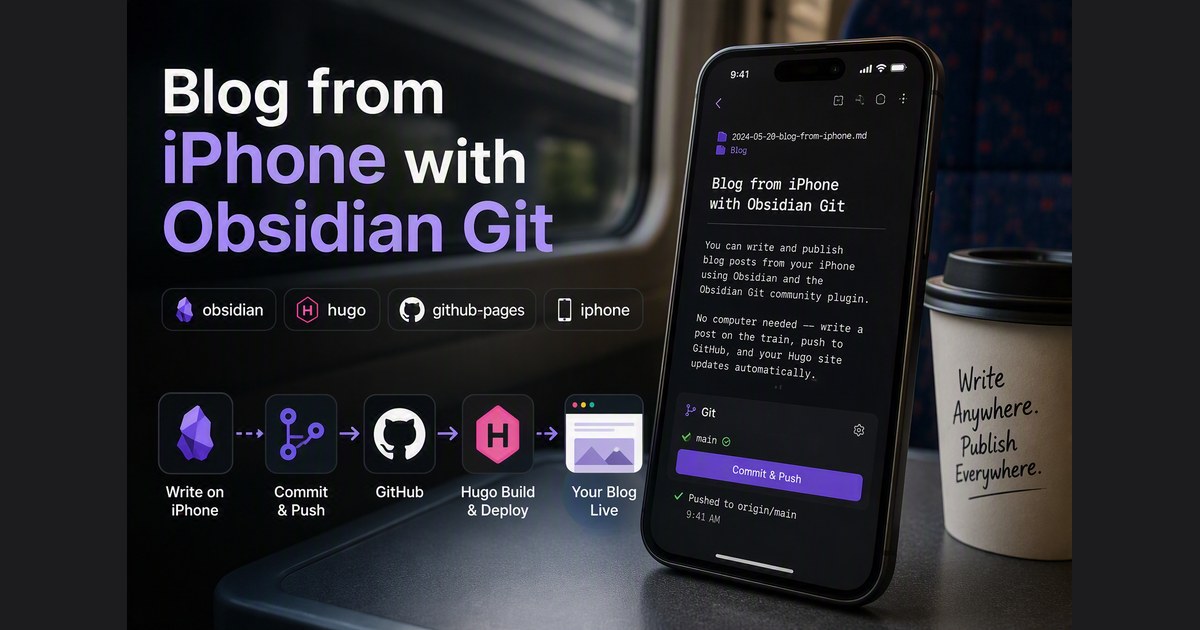
Blog from iPhone with Obsidian Git
You can write and publish blog posts from your iPhone using Obsidian and the Obsidian Git community plugin. No computer needed — write a post on the train, push to GitHub, and your Hugo site updates automatically. Here is the setup. What You Need iPhone with Obsidian installed (free from App Store) GitHub repo with Hugo + GitHub Actions pipeline already working GitHub Personal Access Token (fine-grained) Step 1: Generate a GitHub Token Go to https://github.com/settings/tokens Generate new token → Fine-grained token Token name: obsidian-iphone Expiration: 90 days (or longer) Repository access: Only select repositories → pick your Hugo repo Under Permissions, click "+ Add permissions" Find “Contents” → set to Read and write Metadata (Read-only) is auto-added Generate token → copy it immediately Step 2: Create a Vault Open Obsidian on iPhone → Create new vault: ...