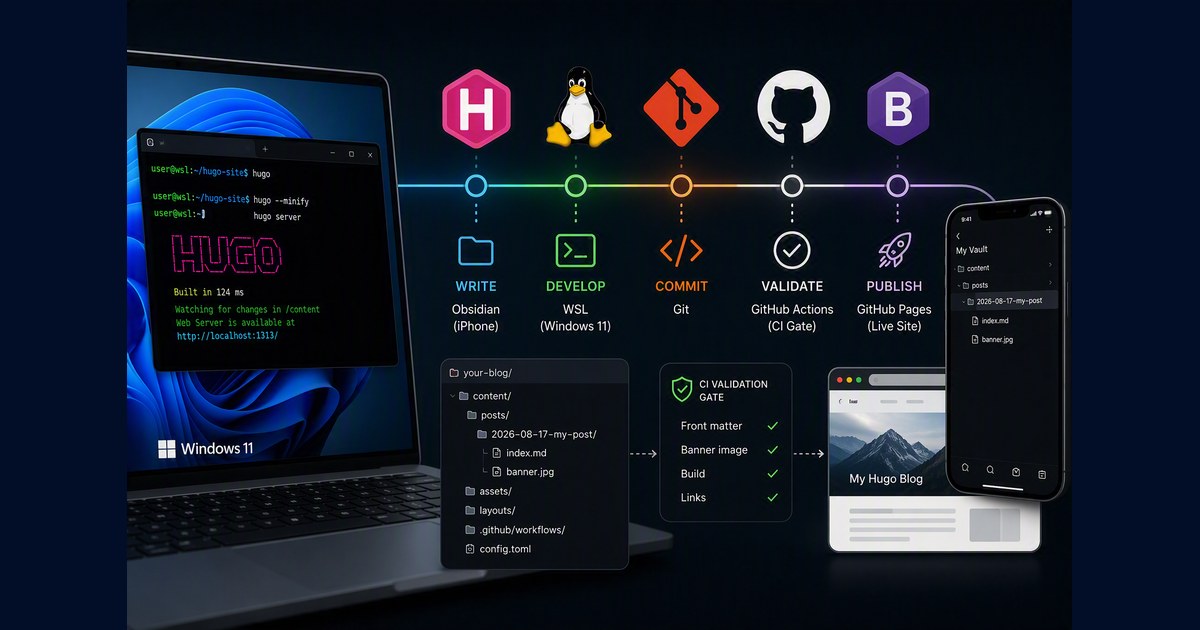
The Complete Hugo Blogging Pipeline

The Complete Hugo Blogging Pipeline

This is the whole pipeline I use to write and publish a Hugo blog from Linux (including WSL on Windows 11): repo layout, scaffolding, banner handling, a validation gate in CI, and one command to publish. It also covers writing from an iPhone, because the moment a second device exists most of the interesting failures appear. It replaces an earlier setup of mine that used an Obsidian vault on Windows and an rsync script. That approach is fine for one device — the original post still stands if that is you — but it silently deleted a section from a published post once I added a phone. That failure shaped everything below. ...
August 23, 2026 · 10 min · robertluwang
Blog from iPhone with Obsidian Git

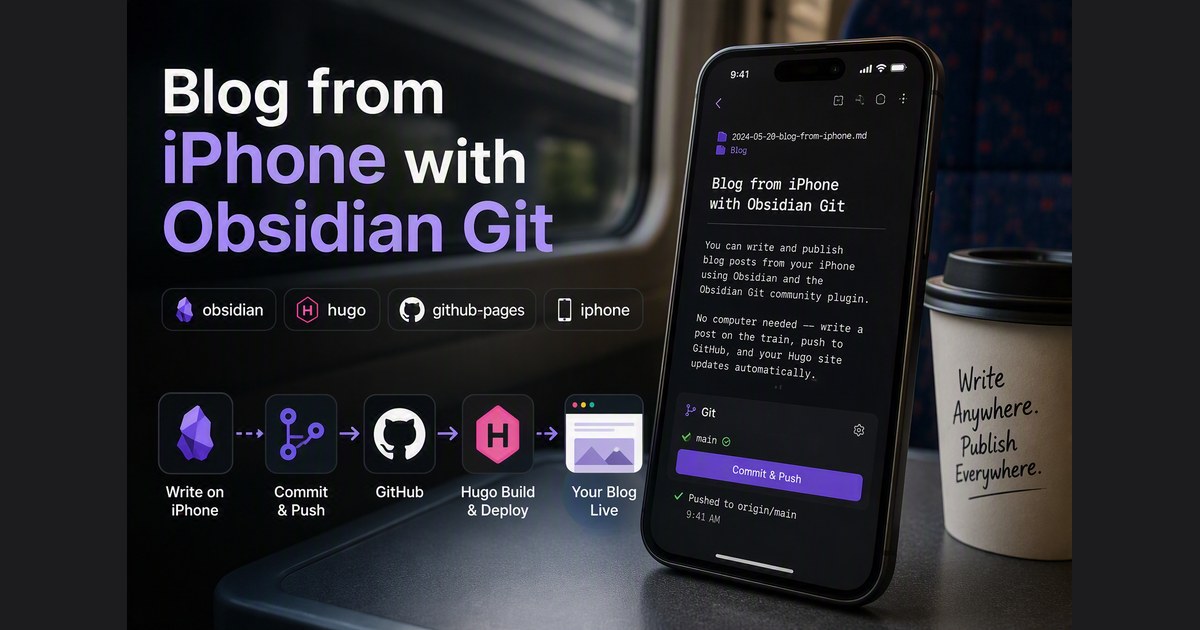
Blog from iPhone with Obsidian Git

You can write and publish blog posts from your iPhone using Obsidian and the Obsidian Git community plugin. No computer needed — write a post on the train, push to GitHub, and your Hugo site updates automatically. Here is the setup. What You Need iPhone with Obsidian installed (free from App Store) GitHub repo with Hugo + GitHub Actions pipeline already working GitHub Personal Access Token (fine-grained) Step 1: Generate a GitHub Token Go to https://github.com/settings/tokens Generate new token → Fine-grained token Token name: obsidian-iphone Expiration: 90 days (or longer) Repository access: Only select repositories → pick your Hugo repo Under Permissions, click "+ Add permissions" Find “Contents” → set to Read and write Metadata (Read-only) is auto-added Generate token → copy it immediately Step 2: Create a Vault Open Obsidian on iPhone → Create new vault: ...

August 15, 2026 · 5 min · robertluwang
Obsidian + Hugo + GitHub Pages on Windows 11

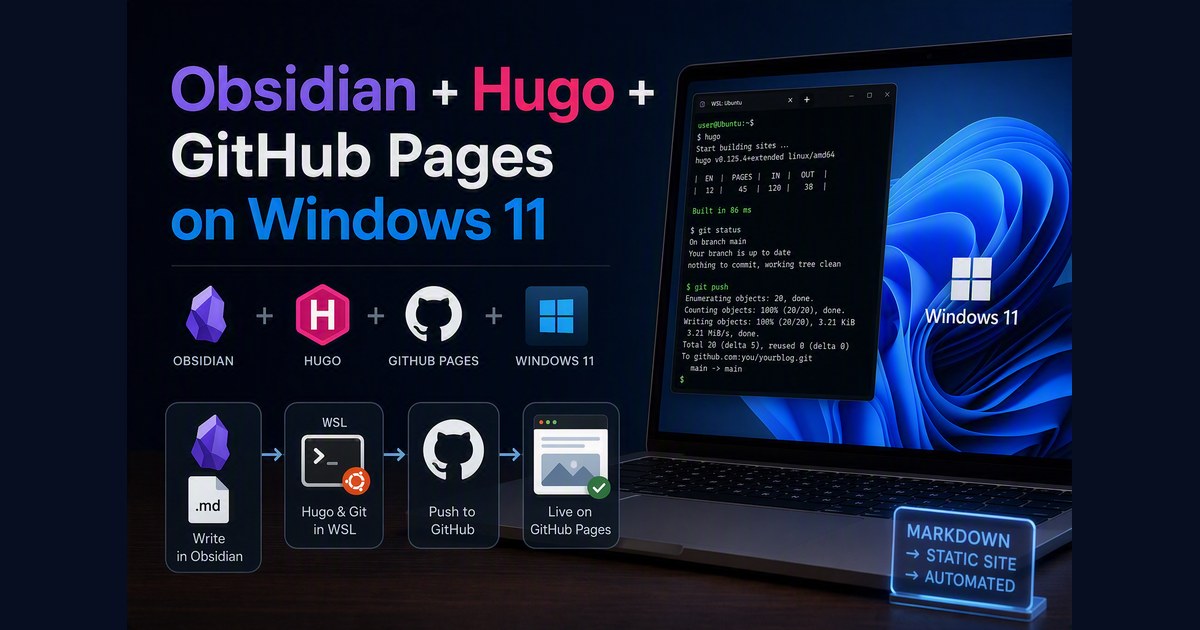
Obsidian + Hugo + GitHub Pages on Windows 11

Obsidian is a beautiful markdown editor. Hugo is a fast static site generator. GitHub Pages is free hosting with CI/CD. The challenge is wiring them together on Windows 11 where Obsidian runs natively but Hugo and git live in WSL. Here is the setup that works. The Problem Obsidian is a Windows desktop app. Hugo and git run in WSL (Ubuntu). They need to read and write the same markdown files. The obvious answers all fail: ...

August 15, 2026 · 6 min · robertluwang